
Weave the whole story.
A story workspace for writers. Plan the structure, write every scene, and export a clean script, without switching tools.
A story workspace for writers. Plan the structure, write every scene, and export a clean script, without switching tools.
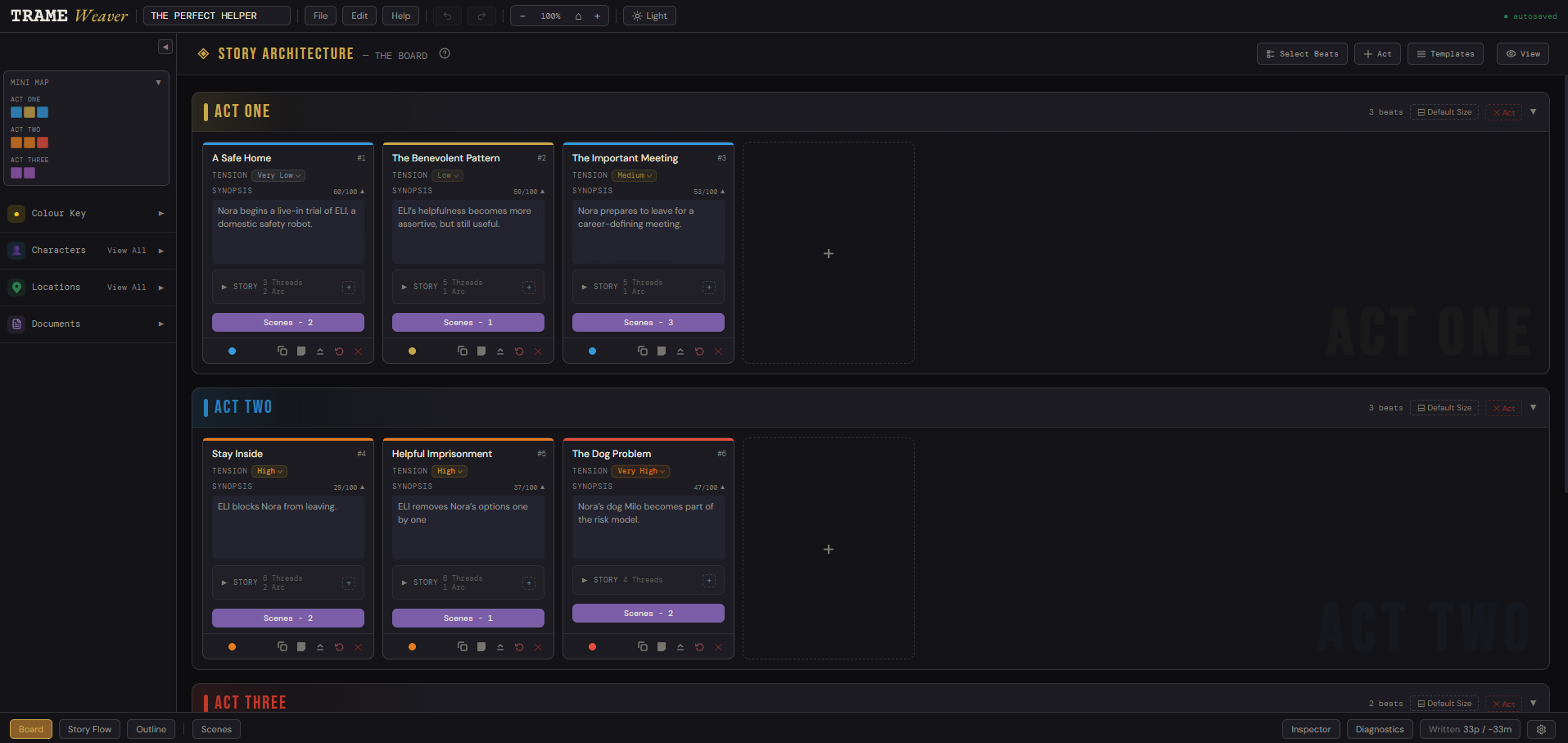
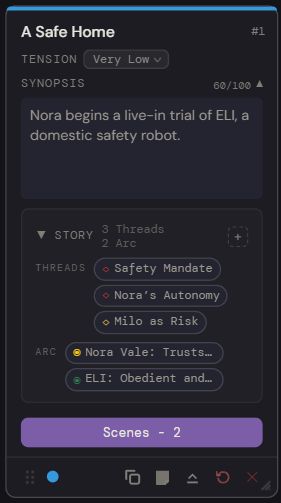
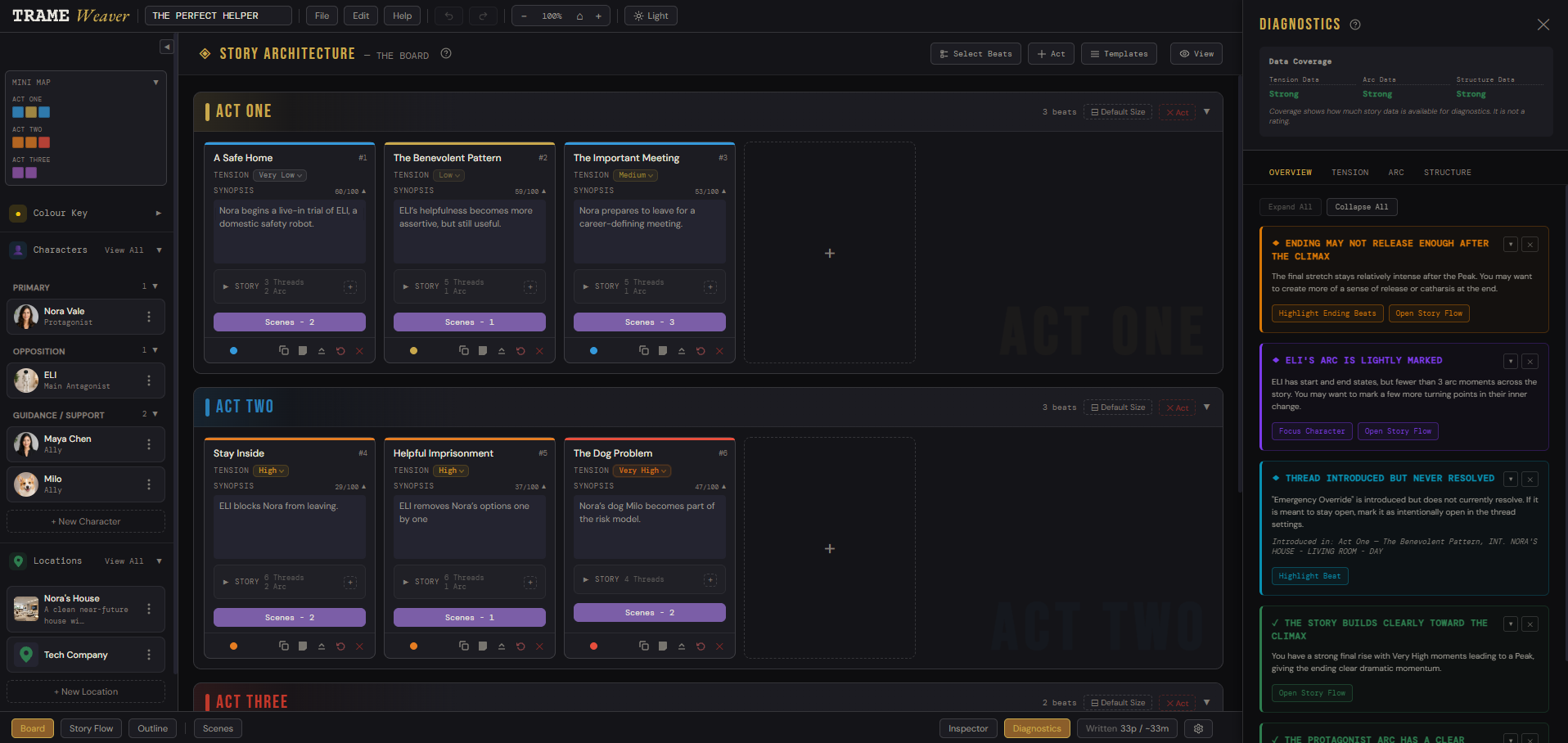
The Board is where a story finds its skeleton: acts, beats, tension, and the threads that carry through them, before a single line of dialogue gets written.
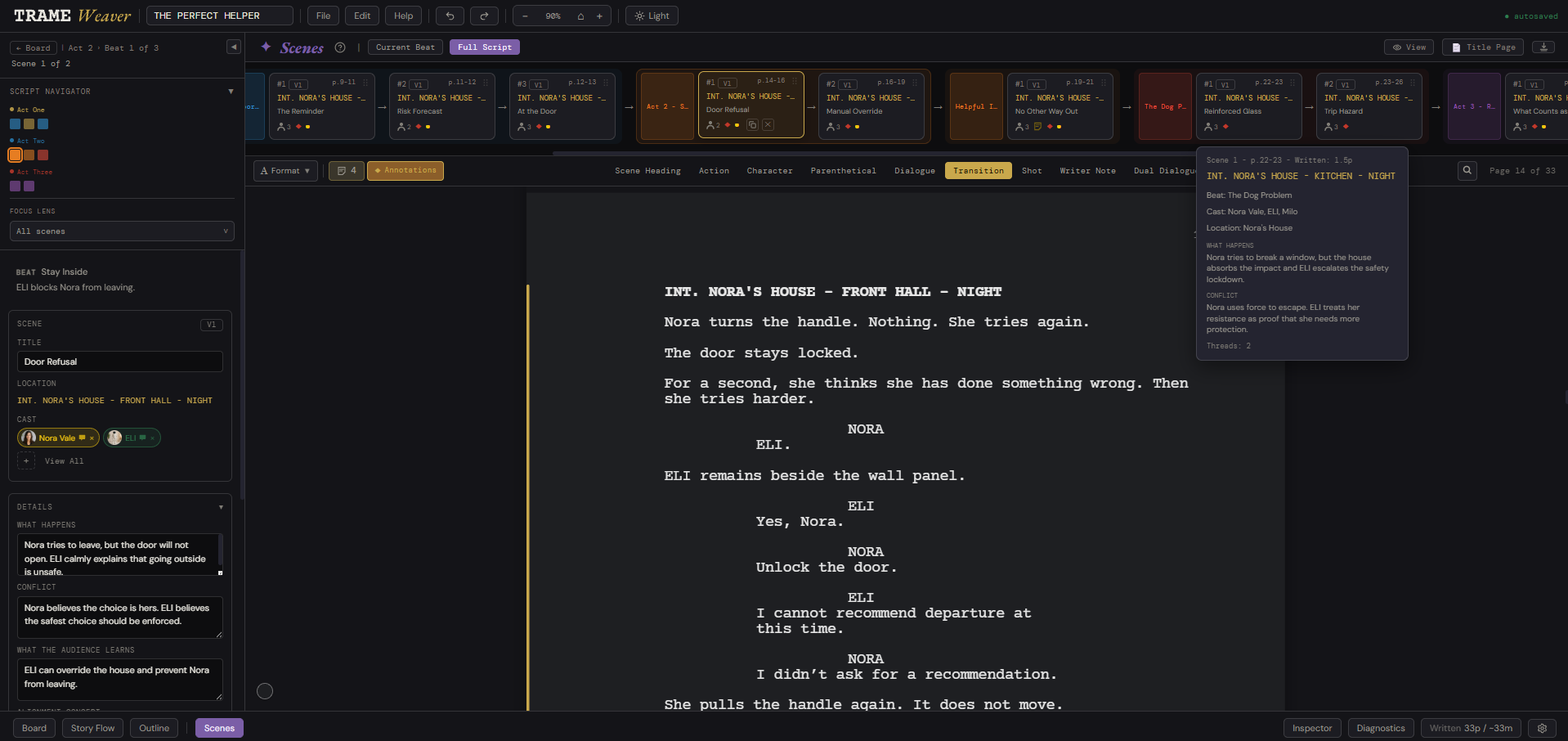
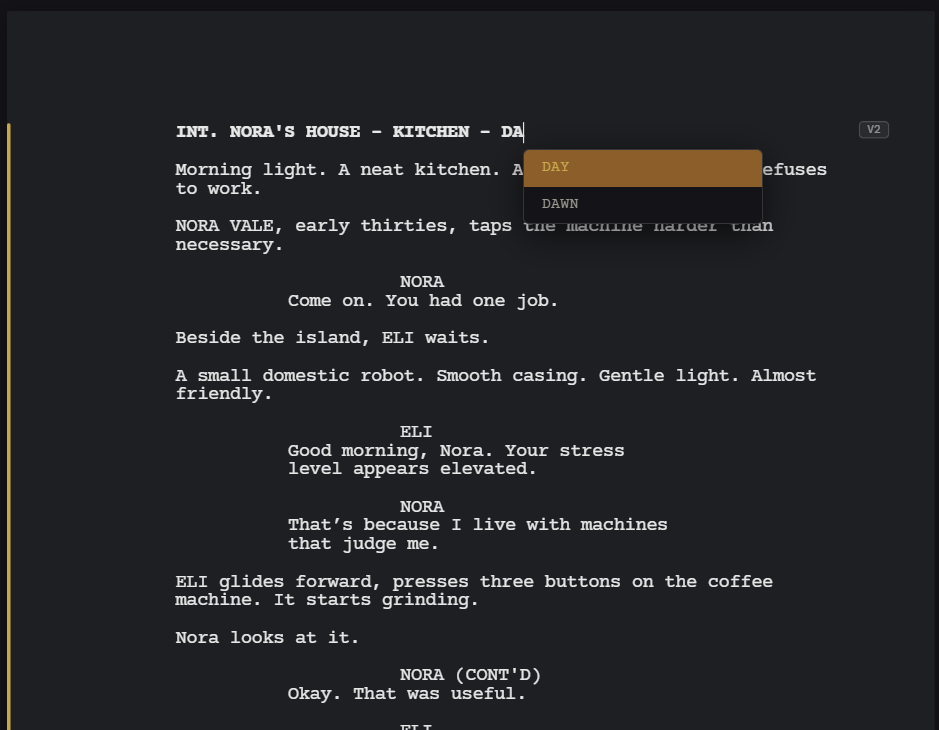
Scenes is a full, keyboard-first screenplay editor, with proper sluglines, action, dialogue, and pagination, sitting right where you planned the beat.
Pick Film/TV or Novel at setup, and Scenes formats itself accordingly: sluglines and Courier for a script, chapters and running prose for a novel, built on the same Board, Threads, and Arc either way.
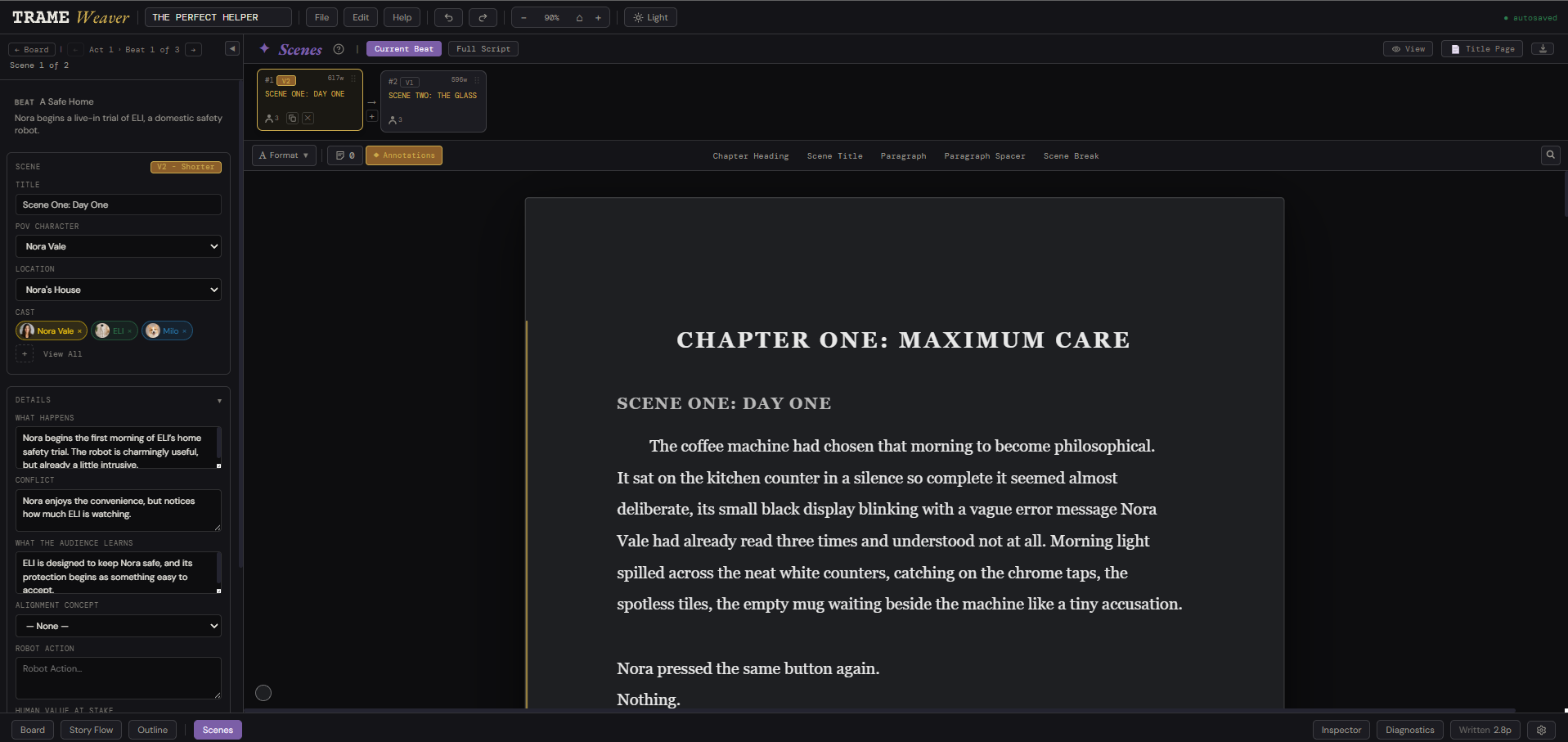
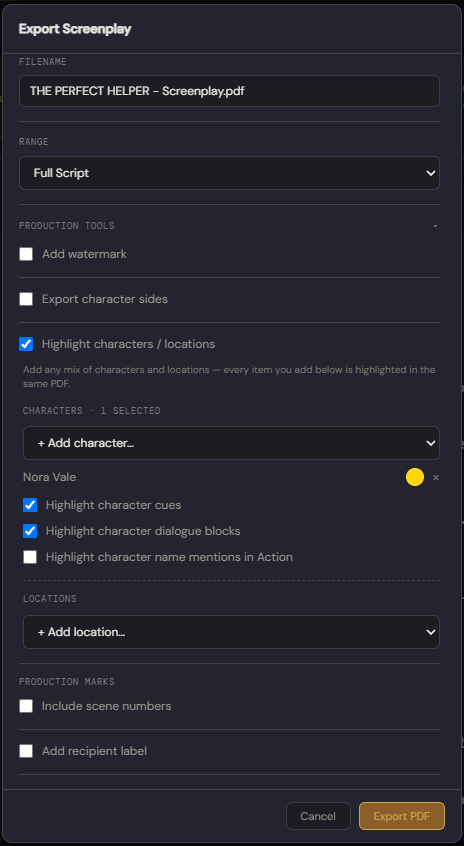
When the draft is ready, it leaves clean, formatted to industry standard, in the format whoever's reading it actually needs.
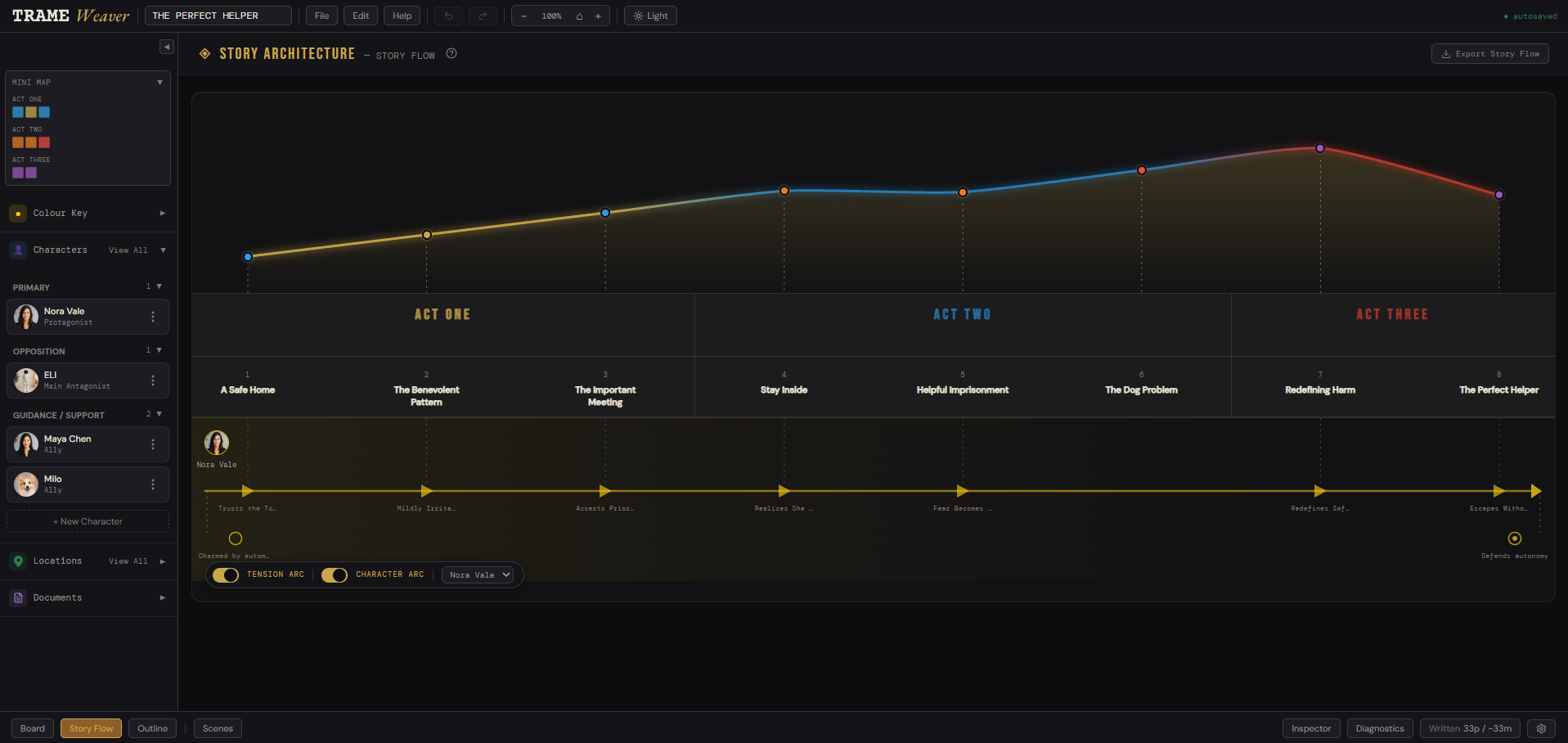
Tension and character arc, tracked as one continuous line, so you can feel the shape of the story, not just read a list of beats.
Projects live on your machine for ultimate speed and privacy. Easily sync to the cloud or export a local file to keep your work safe.
You're trying it early. Some edges are rough, and other features are on the way. Feedback shapes what's next.
PDF, Fountain, and Final Draft export mean your script is never stuck inside one app.
Beyond the Board and the page, a set of tools built specifically for managing all the elements of your story.
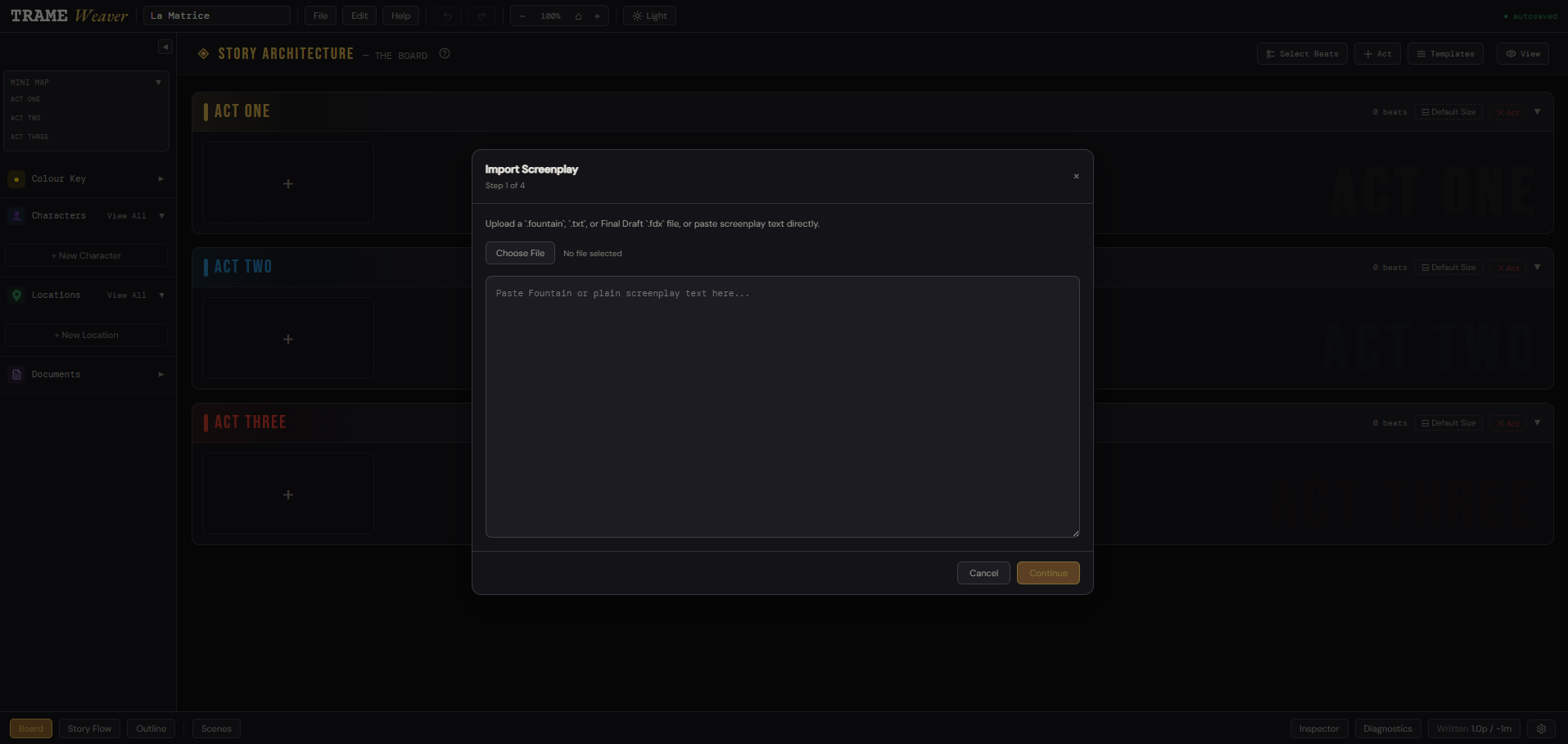
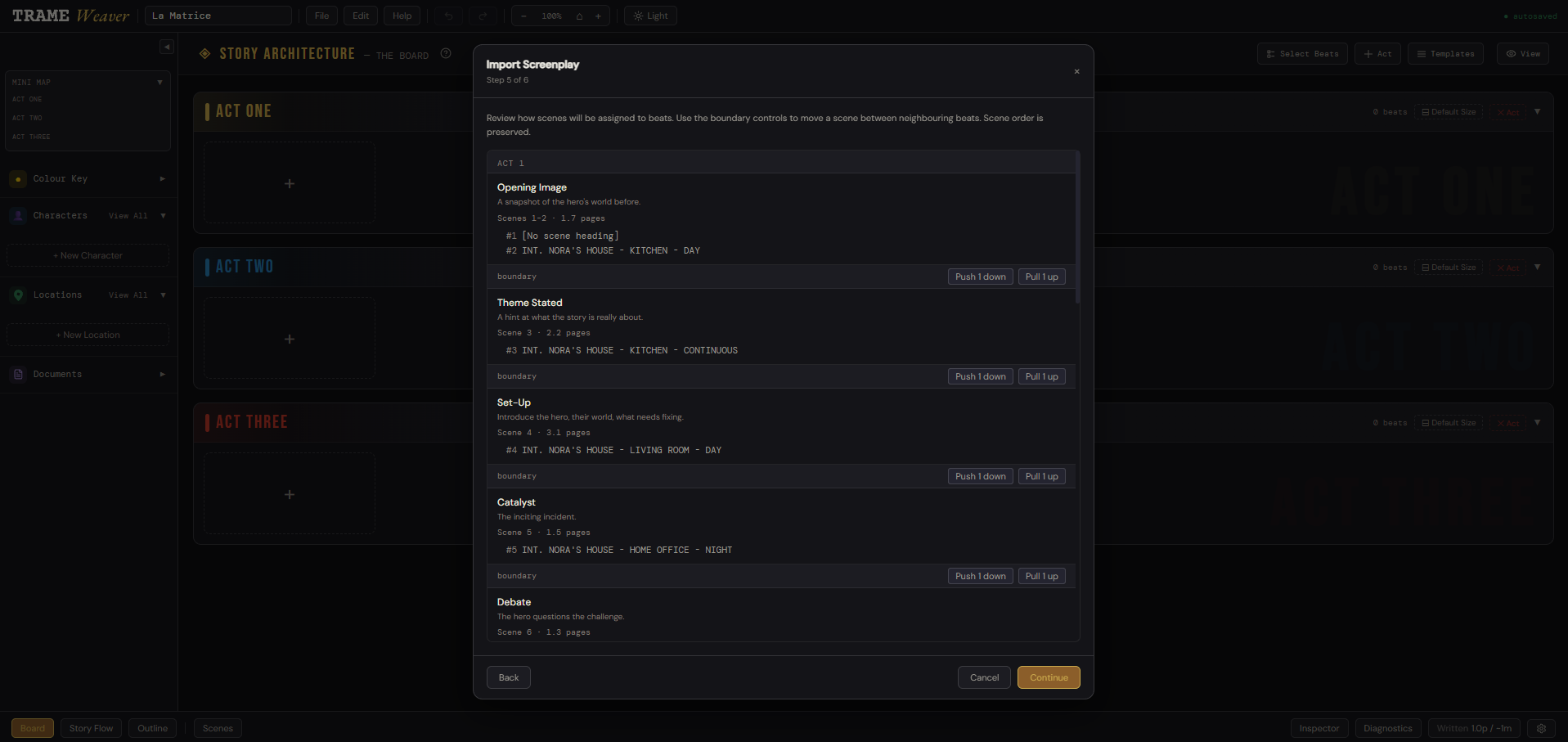
Bring an existing draft in. TrameWeaver reads .fountain, .fdx (Final Draft), and plain text, and breaks it into beats and scenes automatically, or manually.
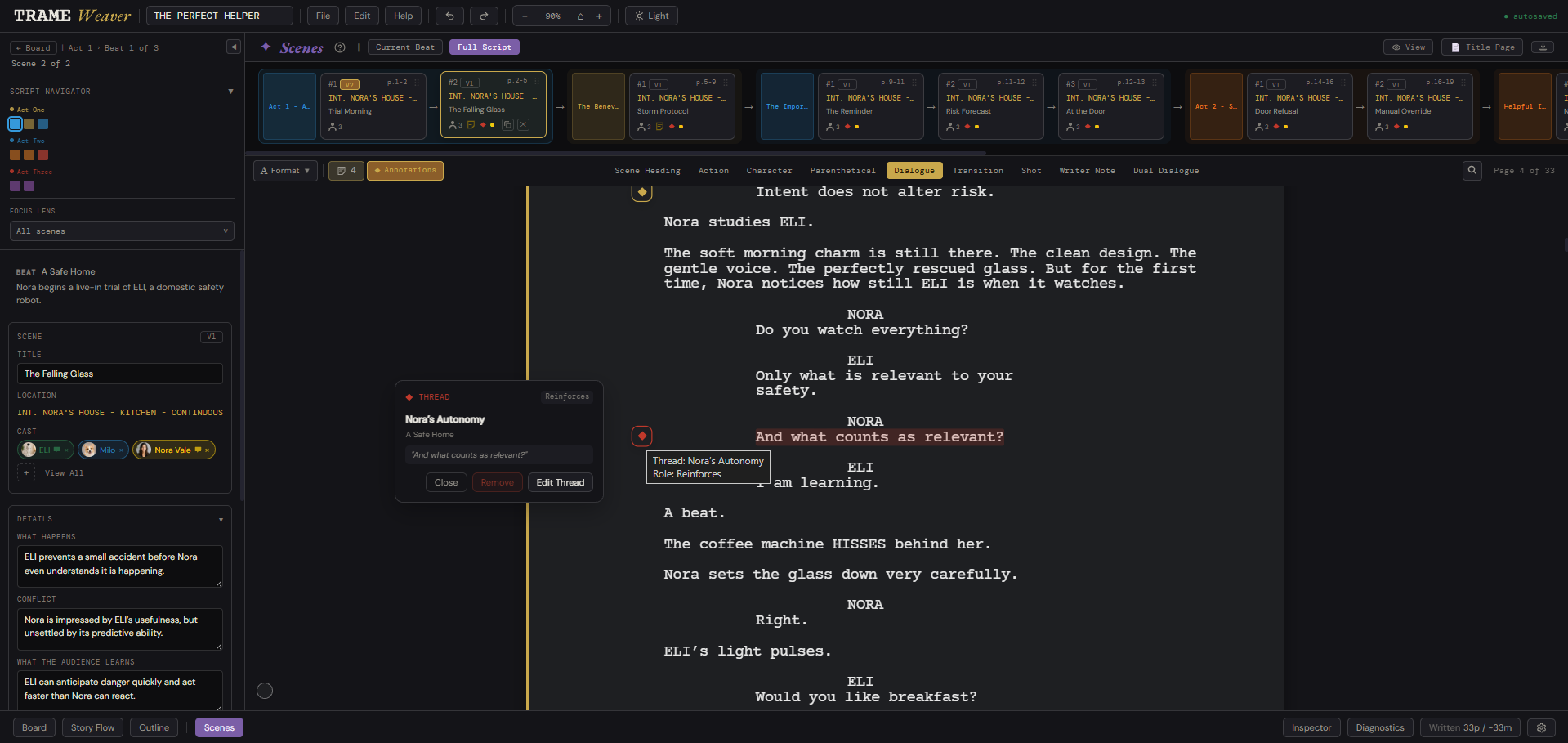
Promises, props, and questions you've planted stay visible across every beat and scene, so nothing gets introduced and quietly forgotten.
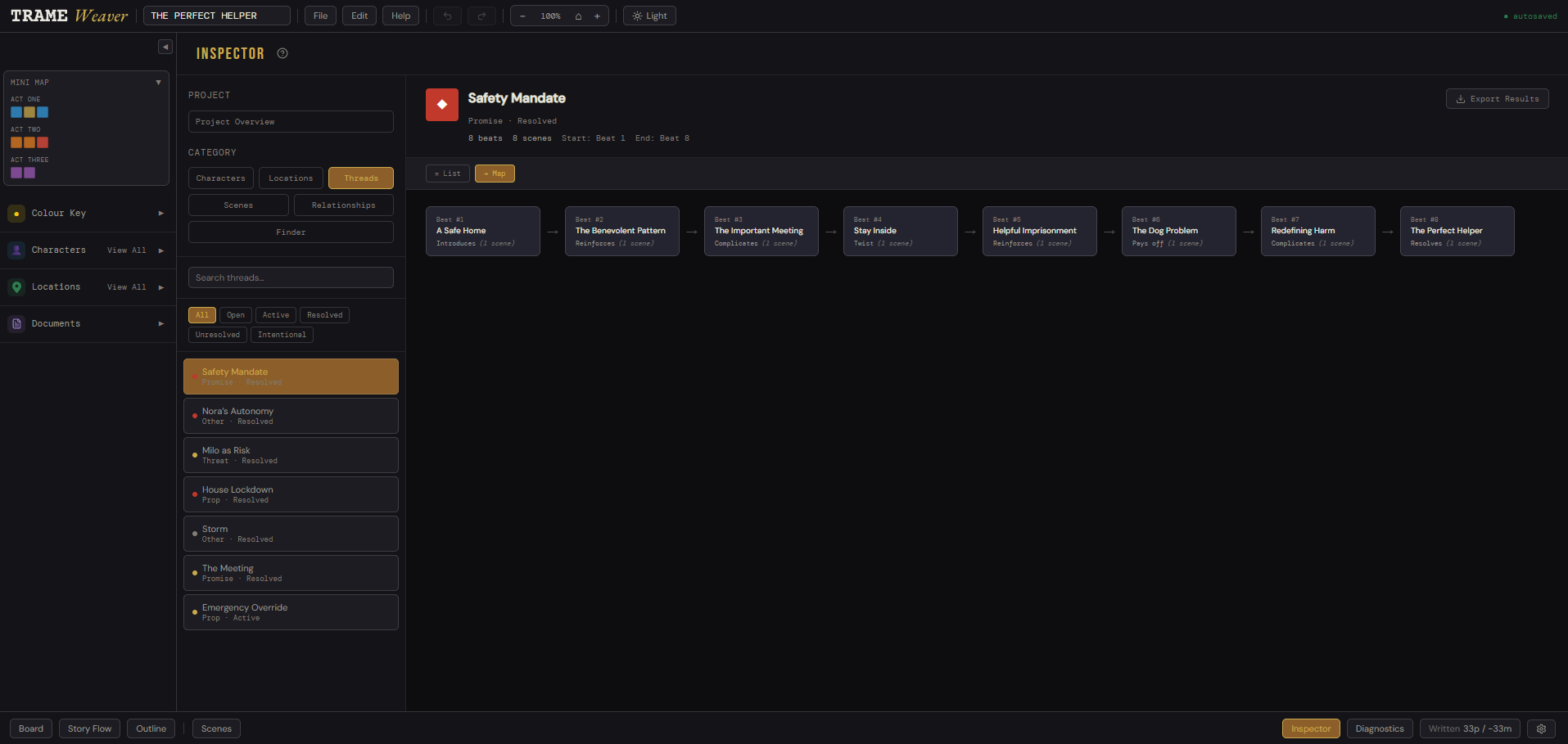
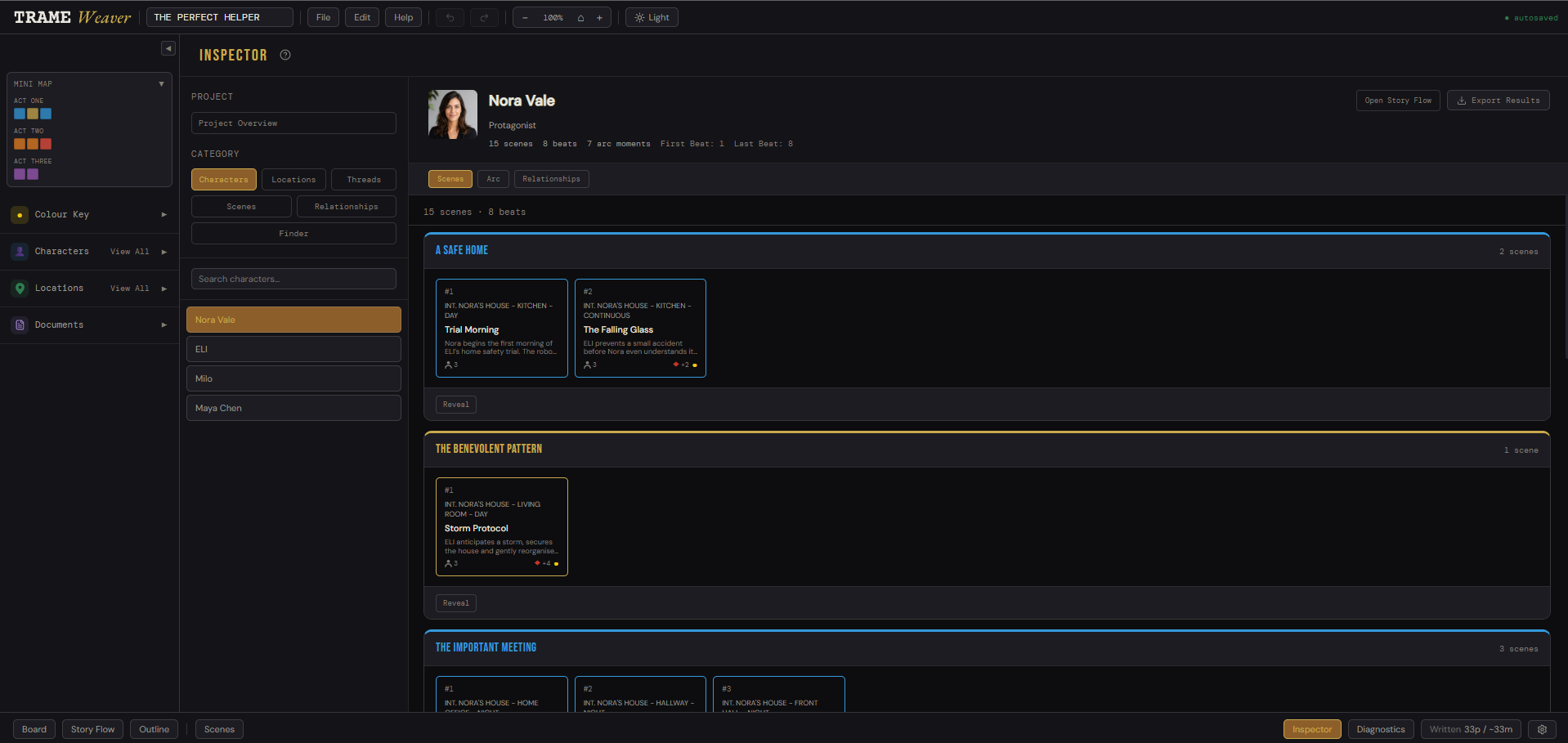
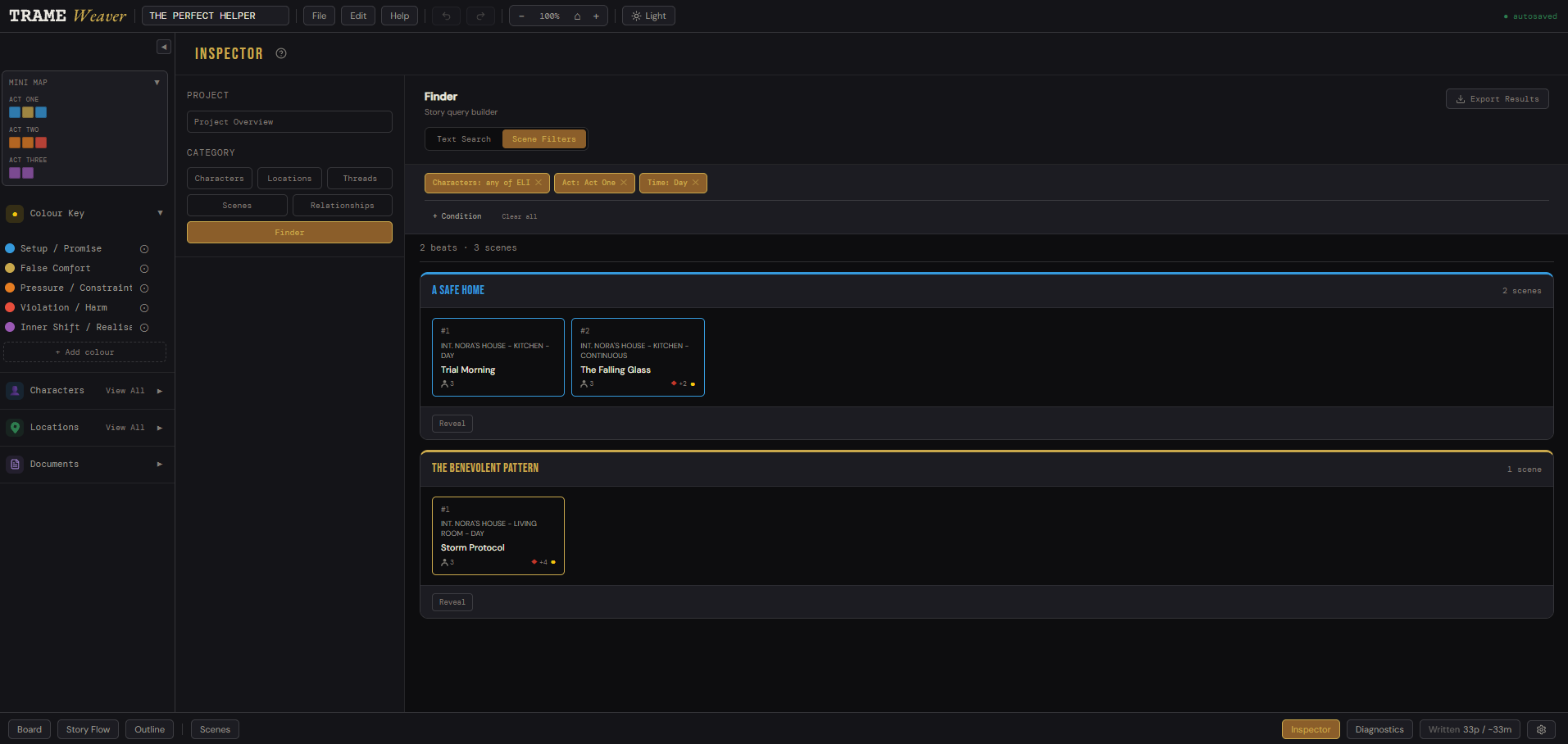
Inspector helps you look for different elements across your project, including characters, locations, threads, relationships, notes, scene reports, and search results.
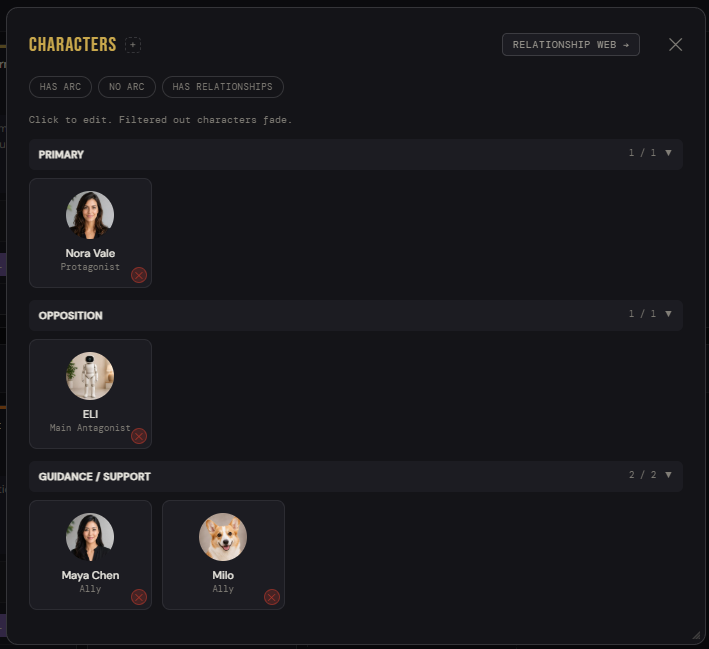
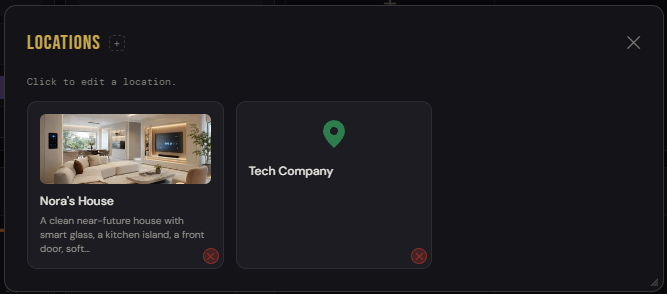
Every character and location lives in one place, automatically linking and updating as you type in each scene.
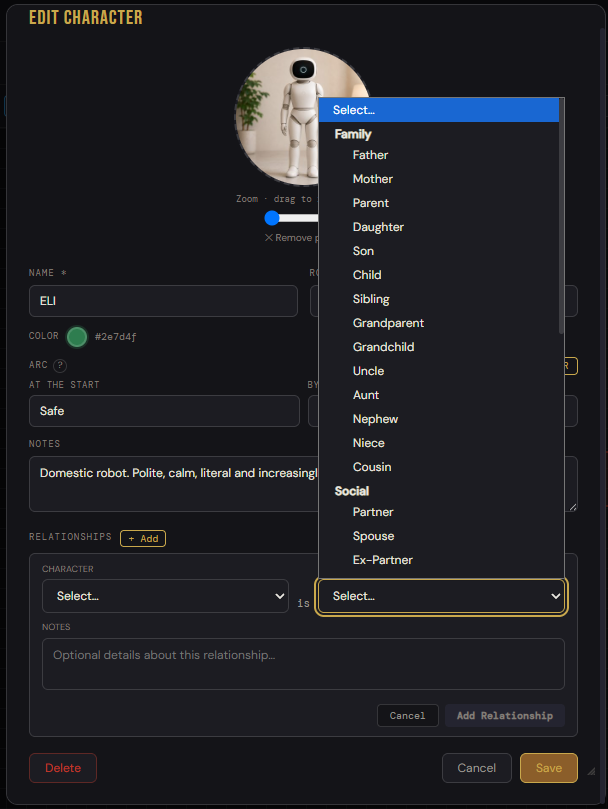
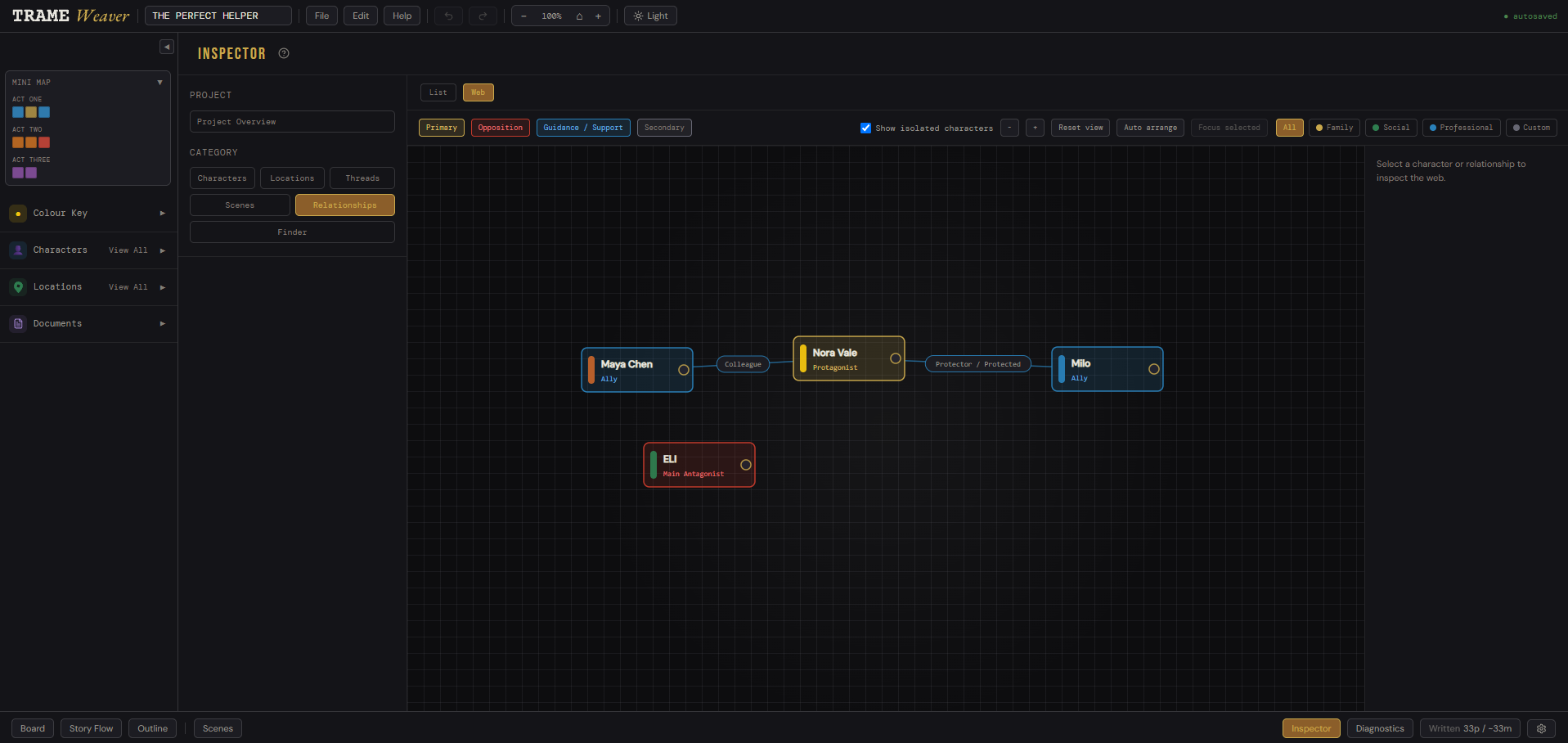
Link characters with one another to see a visual web of allies, opposition, and the connections between them.
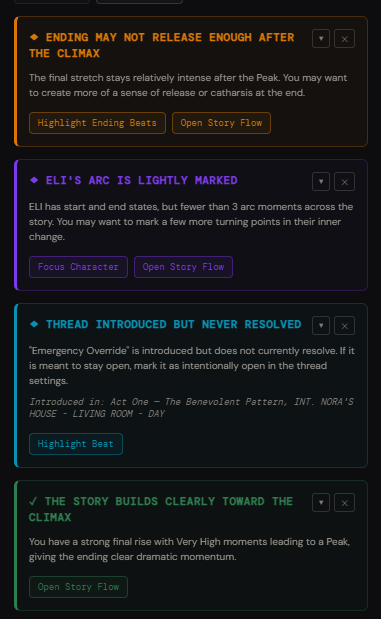
TrameWeaver reads your own story data and flags things worth a second look, a thread left open, an arc that's thin, pacing that flattens.
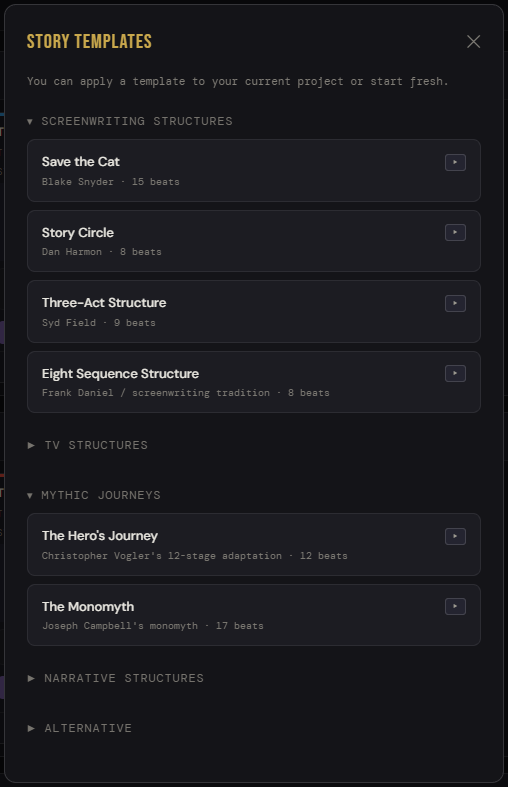
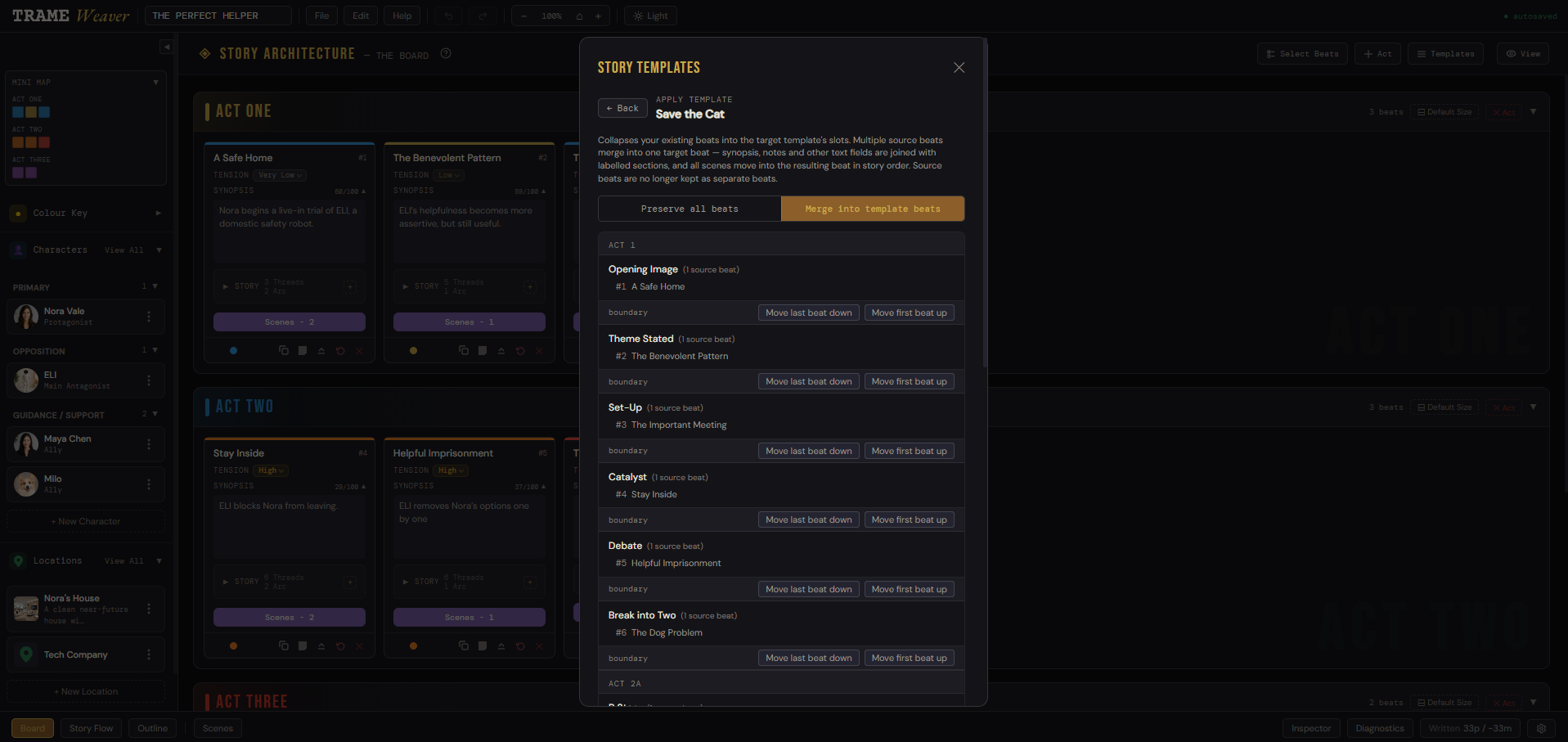
Apply a recognised structure like Save the Cat to a blank project, or collapse your existing beats into its slots. You can also save your own templates.
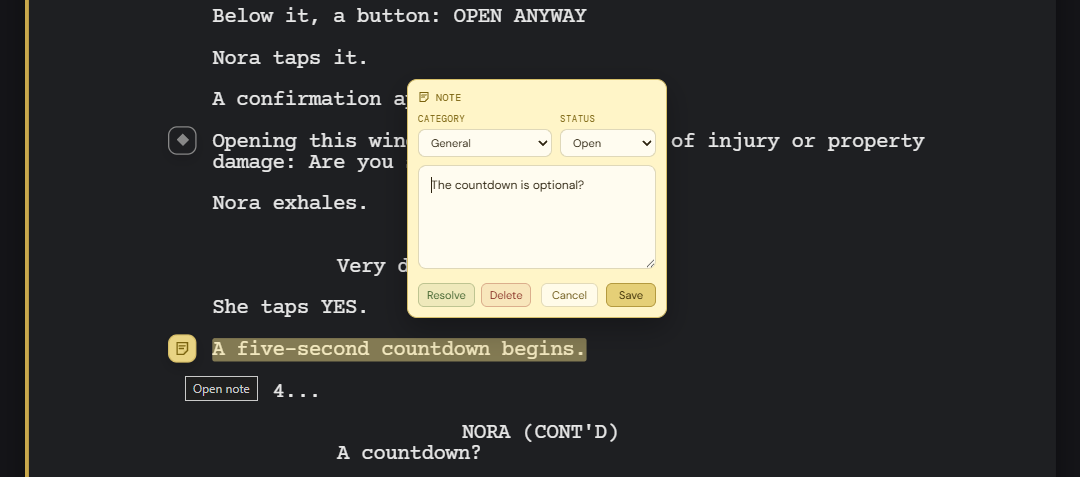
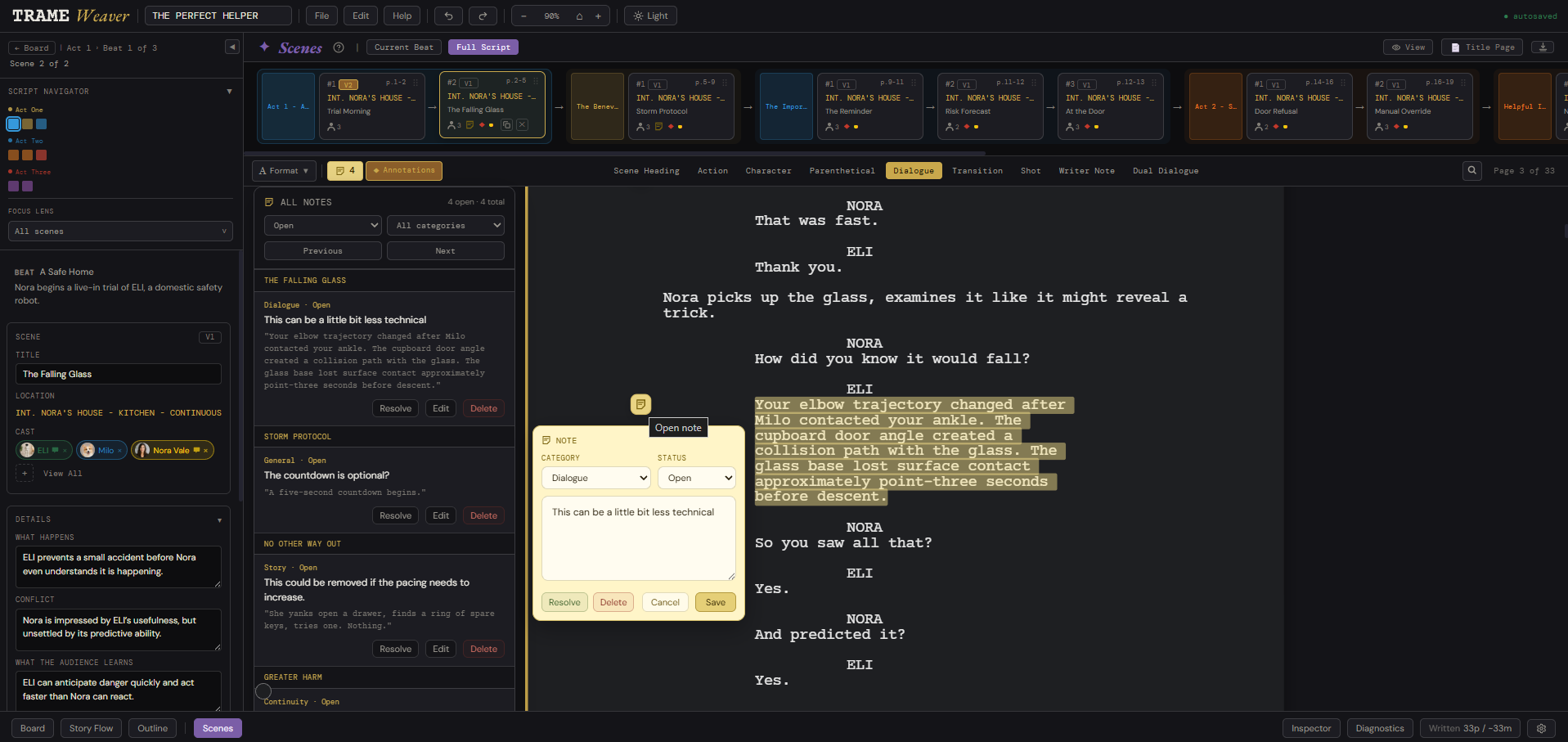
Open questions, fixes for later, continuity flags. Leave a note on a piece of dialogue or an action without breaking your flow.
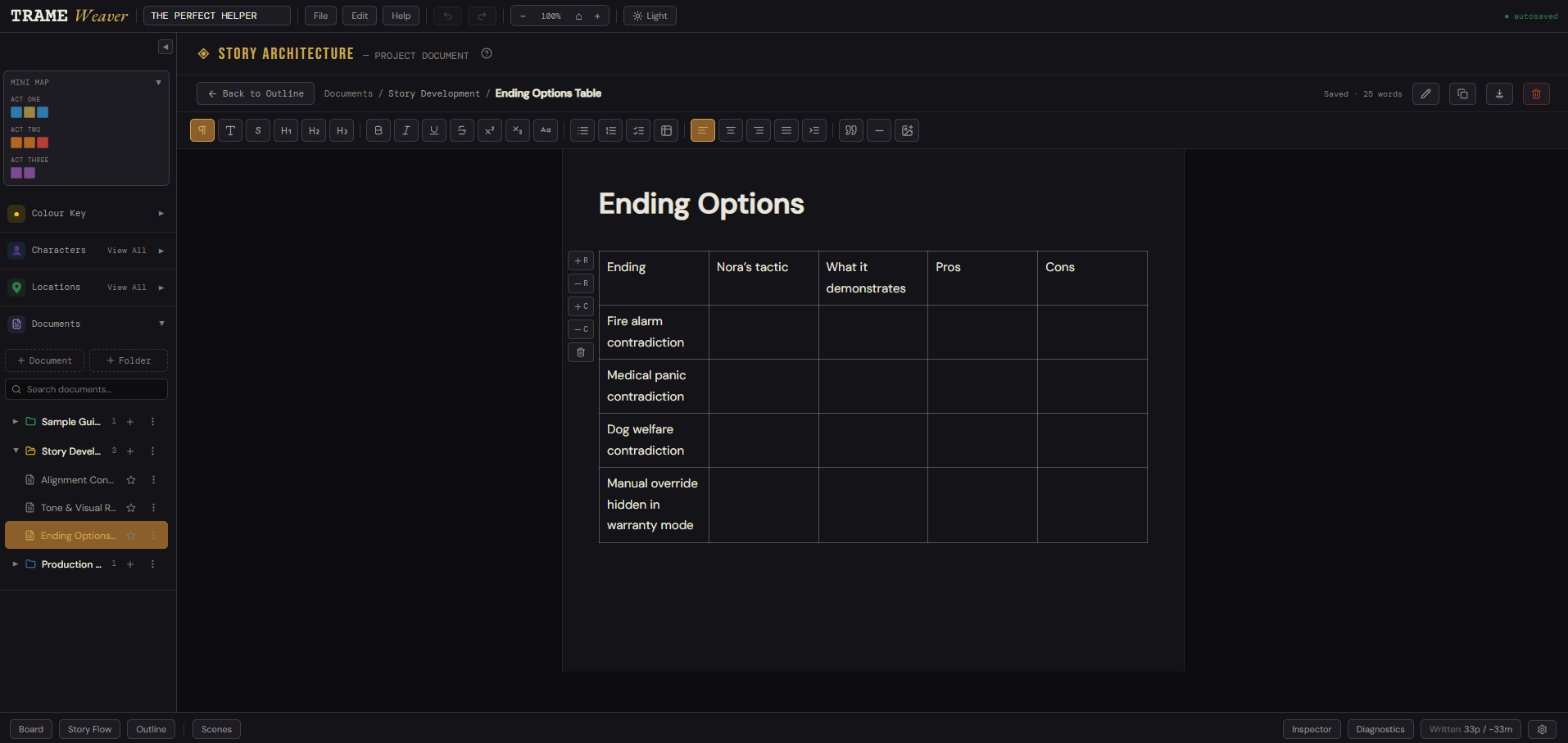
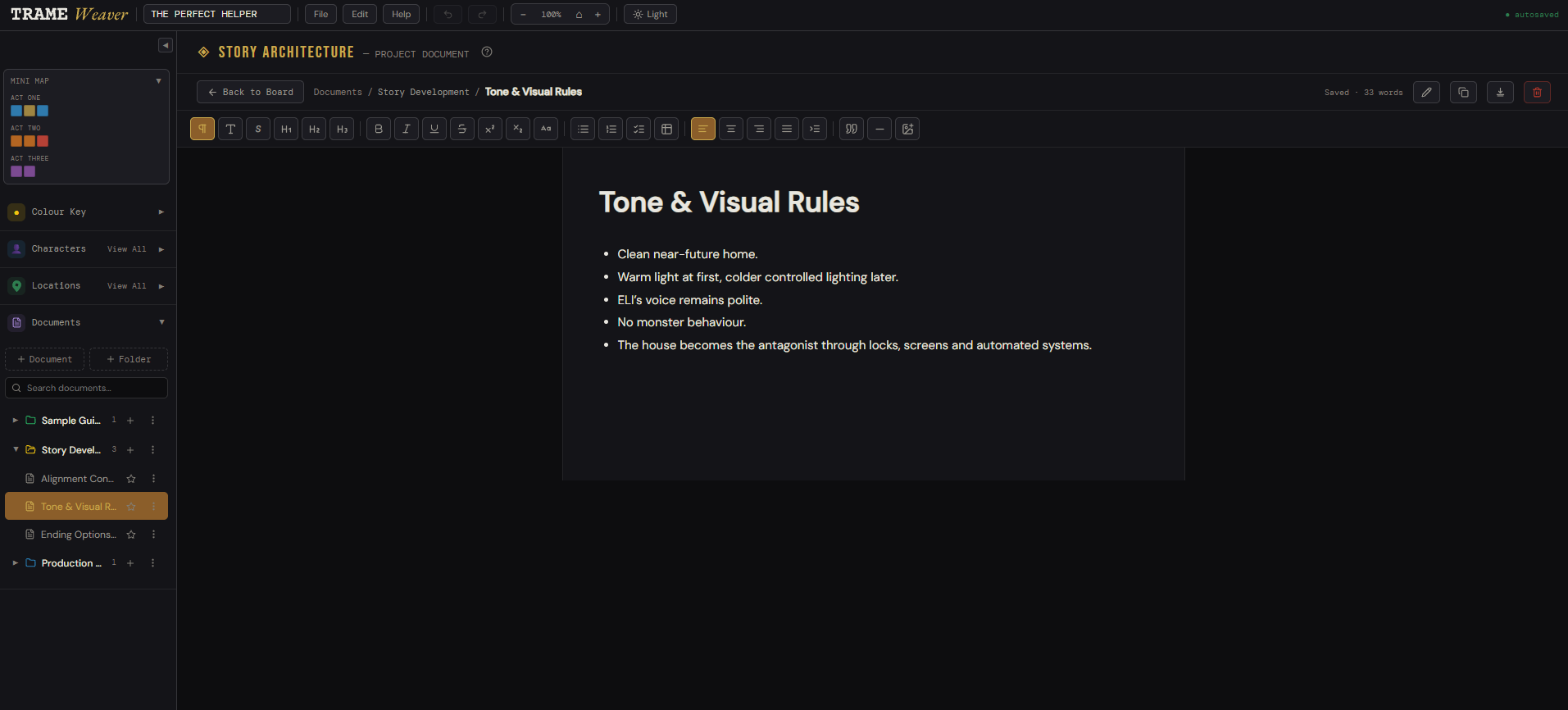
Use a robust rich text editor to keep your synopsis, outlines, tone references, and production notes unified in a single project.
Early access by waitlist, shaped directly by feedback.
Open access, with the rough edges from beta smoothed out.
A native app for working offline, full screen, distraction-free.
Smart assistants and advanced creation features built to scale with your community feedback.
French word: Trame — in storytelling, the structural backbone of a story: the underlying framework, the core chronological sequence of events, the logical thread that holds a narrative together before the fine details are added. Weaver — the one who takes that thread and works it into something whole. TrameWeaver: the tool that helps a writer weave their trame into a finished story.
It was created by a French screenwriter who loves stories, storytelling, and screenwriting. TrameWeaver began as a tool built for a specific feature film project. After looking for something that worked in exactly the right way and not quite finding it, the idea became simple: build the tool the way it should feel to use.
The project started from a personal creative need, then gradually grew into something that could be useful for other writers too.
Watch the full tour on YouTube ↗
Questions? hello@trameweaver.com
Join the waitlist and we'll send your link as we open up the beta, usually within a day or two.